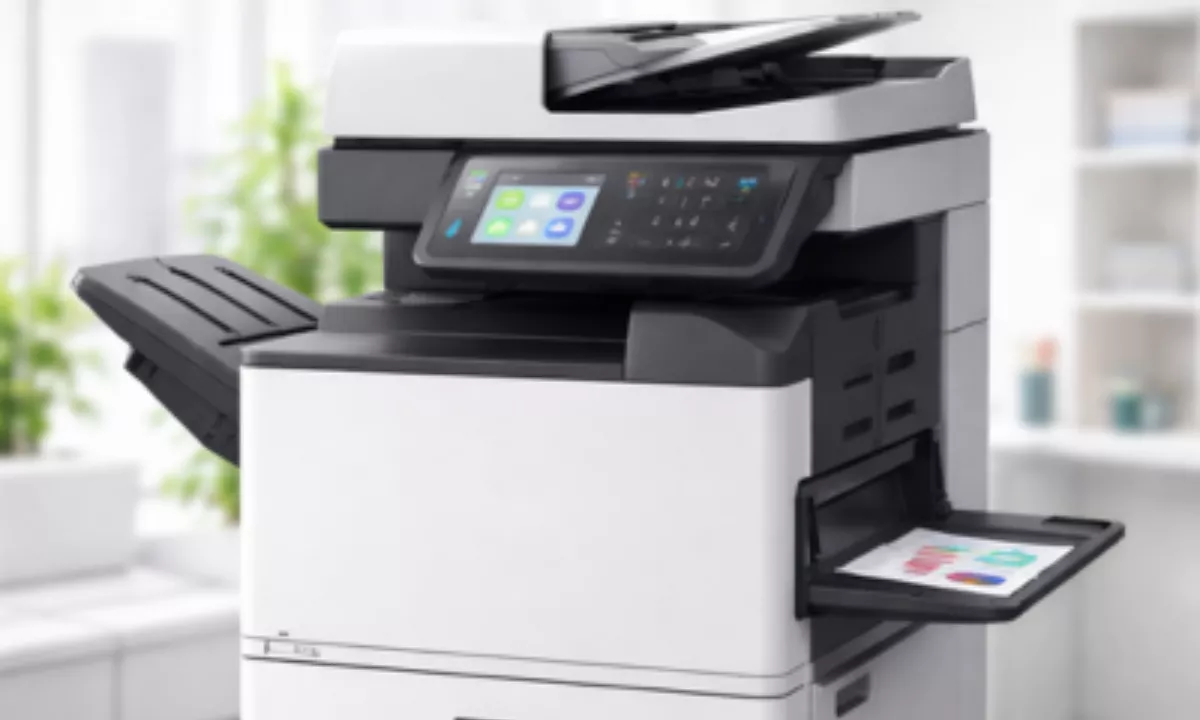

An office copier that won’t print can quickly bring down an office’s efficiency. From blinking error lights and paper jams, to complete silence when hitting “print,” these issues are frustrating but usually fixable. At Egreen, our experienced Copier Repair Service team has seen it all and developed this quick guide to assist in diagnosing some of the more commonly occurring copier problems quickly and get you up and running fast again.
Copier Is Not Properly Connected
Before diving in further, check the basics: loose USB cables, broken Wi-Fi connections or offline printer status can prevent your copier from receiving print jobs.
Quick fixes for such issues could include restarting both computer and copier simultaneously as well as making sure all cable are securely attached before verifying if copier is set as your default printer.
Reinstall the printer through device settings if required.
There Is A Paper Jam
Paper jams are among the most frequently experienced problems when printing, even with no apparent source. A small scrap left inside could cause an error that halts all printing operations completely and requires removal from inside of machine to resume functionality. As soon as access panels open up to remove jammed papers. For faster solutions: Open all access panels carefully to remove them as soon as possible
Avoid tearing the paper by carefully and gradually pulling out each sheet from its tray, and making sure you use appropriate paper size and weight for your machine.
Your Toner Cartridge Is Either Empty or Installed Improperly
Low or empty toner levels are another common complaint sometimes this happens because a cartridge hasn’t been correctly installed into its place in the machine and appears as though there is insufficient toner even though that might not actually be the case.
Check toner levels via your copier’s display panel or software program.
Remove and gently shake side-to-side the toner cartridge before reinserting it if toner levels drop too low, replacing if critical levels exist.
Corrupt Printer Drivers
Copy Machine Repair technicians often discover driver-related problems are at the root of many printing issues. When your copier works fine from one device but not from others, outdated or corrupted drivers could be to blame an easy fix would likely involve updating them immediately.
Visit your manufacturer’s website and download the most up-to-date driver for your model, making sure to uninstall and reinstall both drivers before restarting your computer. Once completed, restart it once more for best results.
My Copier Is Overheating
Copiers generate heat while operating, and most feature built-in safeguards to stop printing when internal temperatures exceed certain thresholds. Overheating is particularly common among businesses with high print volumes. To combat overheating: For immediate solutions turn off and let it cool off for at least 15-20 minutes prior to use again.
Assuring the machine is placed in an adequately ventilated environment is also key to its effective use; any debris blocking ventilation vents must also be cleared away immediately to allow proper functioning of its ventilation system.
Error Codes on the Display
Modern copiers display error codes when something goes wrong, providing you with a way to pinpoint exactly where the issue lies if you know how to read them. As soon as an error code pops up on the copier screen, note it down and look it up in its manual as quickly as possible for solutions. Usually when these error messages pop up they provide some quick solutions: just note down its number and refer back to its manual for solutions!
Try powering down and on again to clear temporary errors; if they persist, this could indicate deeper mechanical issues.
When To Contact A Professional?
Certain problems require more than quick solutions to be rectified. When your copier displays frequent error codes, produces poor print quality or makes strange noises or refuses to respond at all, it’s time to contact an Egreen’s expert technician in your area who can identify and remedy any potential problems often within hours! Searching Copier Repair Services Near me is often the fastest way of finding someone qualified.
Without proper tools or training, attempting complex repairs on your own could make matters worse and invalidate your warranty. A certified repair technician has access to quality parts that will fix the problem efficiently the first time around.
Keep Your Copier Running Smoothly
Copier problems typically have simple solutions to minimize downtime and keep it operating optimally, routine maintenance should be the cornerstone. Clean your machine regularly, use quality paper and toner, and arrange regular visits from an established service provider for inspection and servicing.
As soon as any problems arise, use this guide as your go-to source of advice and support. When issues go beyond DIY solutions, do not hesitate to seek our professional assistance immediately.
Having copier problems in your office? Contact our expert technicians today for fast and reliable copier repair services to keep your business running smoothly.